BRIGANDINE ABYSS Controls
Confirmed input, frame-rate, and PC 1.01 options — not a fake key chart.
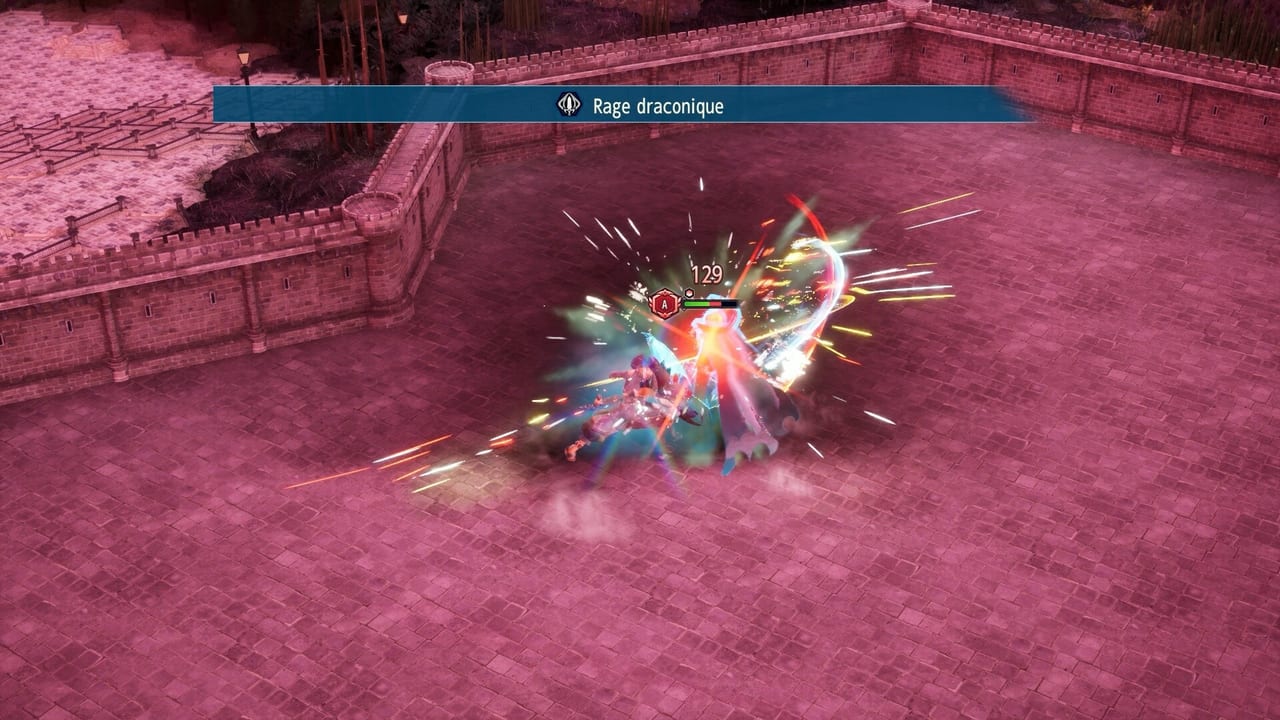
BRIGANDINE ABYSS is a menu-heavy war sim. You spend as much time in Organization lists as you do placing squads on hexes. That makes input comfort a real part of how the game plays, not a footnote. This page lists what is confirmed for PC, Nintendo Switch 2, PlayStation 5, and Xbox Series X|S. It does not invent keyboard shortcuts or unpublished console button maps.
The game launched on Steam on August 26, 2026, and on Switch 2, PS5, and Xbox Series X|S on August 27, 2026. Xbox is digital-only. All versions are single-player. You can save at any time. Steam Cloud and achievements are part of the PC package. Full controller support is confirmed. PC also supports mouse and keyboard. Read How to Play for seasons and Rally; this page is only how you point at those systems.
Full controller support on every SKU
A controller is a first-class way to run BRIGANDINE ABYSS. Organization is cursor-and-confirm work: pick a leader, send them on a quest, open Niffrom’s Market, queue a base upgrade. Attack is selecting a neighbor. Invasion is selecting hexes, spending Command Points, Rallying, and Dismissing. None of that requires a published keyboard chart. If you prefer a pad on PC, that is a supported path, not a fallback.
Do not expect this wiki to fill empty cells with guessed Cross/Circle maps. Those tables would be fiction. Use the in-game prompts. They are the only binding list that matches your build.
PC: mouse, keyboard, and version 1.01
The Steam build is the version with the longest options list. Mouse and keyboard are supported. Version 1.01 added several quality-of-life toggles that change how the map feels more than they change the war rules.
V-Sync is available. Frame-rate caps include 30, 60, 120, 144, and unlimited. That range is why PC is the SKU for players who want the map to pan faster than a locked console. Mouse edge-scroll is in the same patch, so you can push the camera by parking the cursor at the screen edge instead of hunting a key that this page will not invent.
Unit color coding is a readability option. On a hex field with three leader squads and up to five monsters each, telling yours from theirs matters as much as Rally timing. Unit size can be Default, Medium, or Small. Shrink models if vertical terrain and stacked sprites hide the hex you meant to click.
Version 1.01 also lets you buy equipment from the change-equipment screen. That does not replace Niffrom’s Market during Organization; it shortens the trip when you already have a unit selected. Pair it with base building and quests and training so you are not bouncing through extra menus every season.
Steam Cloud covers the save you make at any time. Achievements track the long campaigns. None of that is multiplayer. There is no Remote Play Together war and no couch versus. If you want a second player, you are looking at the wrong game.
Switch 2: locked 30fps by design
Nintendo Switch 2 is locked at 30 frames per second by design. That is not a day-one bug to wait out. Plan for a steadier, slower camera than a 120fps PC. The war systems are the same: Organization, Attack, Invasion, Rally, Dismiss. The Release page covers launch dates and languages; this page is only the frame-rate fact that surprises PC players who dock a Switch 2 and expect unlimited fps.
PS5 and Xbox Series X|S also ship with full controller support. Xbox has no physical disc. Stick to the pad in your hands and the on-screen labels.
How input meets the season loop
Organization is where mis-clicks cost a season. Sending the wrong leader on a quest means that leader cannot fight. Buying the wrong gear at Niffrom’s Market is gold you will not see again until the next shop visit. Camera comfort — edge-scroll on PC, a pad stick on console — is how you inspect vertical terrain before you confirm an Invasion.
Invasion is hex selection under pressure. You may bring three leader squads. Each leader spends Command Points on up to five monsters. Rally absorbs a monster for a passive; Lizard Rally can grant two actions. Dismiss puts the monster back on a hex. Those verbs are the same on every platform. The Rally guide and combat tips teach the verbs. This page only insists you can reach them with a pad or a mouse.
Class change at level 10, and the level 20 item except for faction leaders, still happens in menus. If PC unit size or color coding helps you spot the leader you meant to promote, use it. The class system and monster summoning pages cover the rules, not the cursor.
Languages, editions, and what this page will not do
Interface languages include English, Japanese, French, German, Simplified Chinese, and Traditional Chinese. Japanese includes audio. A language option is not a control scheme. Changing FR to EN will not remap a key this wiki refuses to invent.
If you are still choosing a disc, a Game Key Card, or a digital Deluxe bundle, Editions and Game Modes are the next reads. Campaign flavor is on Story campaigns and the faction overview. Mission objectives are on Mission Mode. Rankings and a buyer’s take sit on the tier list and review. Patches land on Updates. The Guides hub collects the rest.
Save often. The game allows it at any time. Cloud on Steam is a backup, not a second campaign slot with different rules.
Frequently Asked Questions
Quick answers to common questions about BRIGANDINE ABYSS.
Does BRIGANDINE ABYSS support a controller on PC?
Yes. Full controller support is confirmed, and the Steam build also supports mouse and keyboard. Use in-game prompts for the actual buttons; this wiki does not invent a keybind table.
What did PC version 1.01 add?
V-Sync; 30, 60, 120, 144, and unlimited frame-rate caps; unit color coding; Default, Medium, or Small unit size; buying equipment from the change-equipment screen; and mouse edge-scroll.
Why is Switch 2 locked at 30fps?
The Switch 2 version is locked at 30 frames per second by design. That is a platform target, not an unlisted PC-style unlimited cap.
Can I save whenever I want?
Yes. You can save at any time. The Steam version includes Steam Cloud and achievements. The game is single-player with no multiplayer modes.